 TIL: HTML tags I did not know about
HTML has evolved a lot over the years and has added a lot of “RICH” elements.
Here are some cool HTML elements that I’ve just recently learned about:
1. <datalist> #
<datalist> - lightweight autocomplete
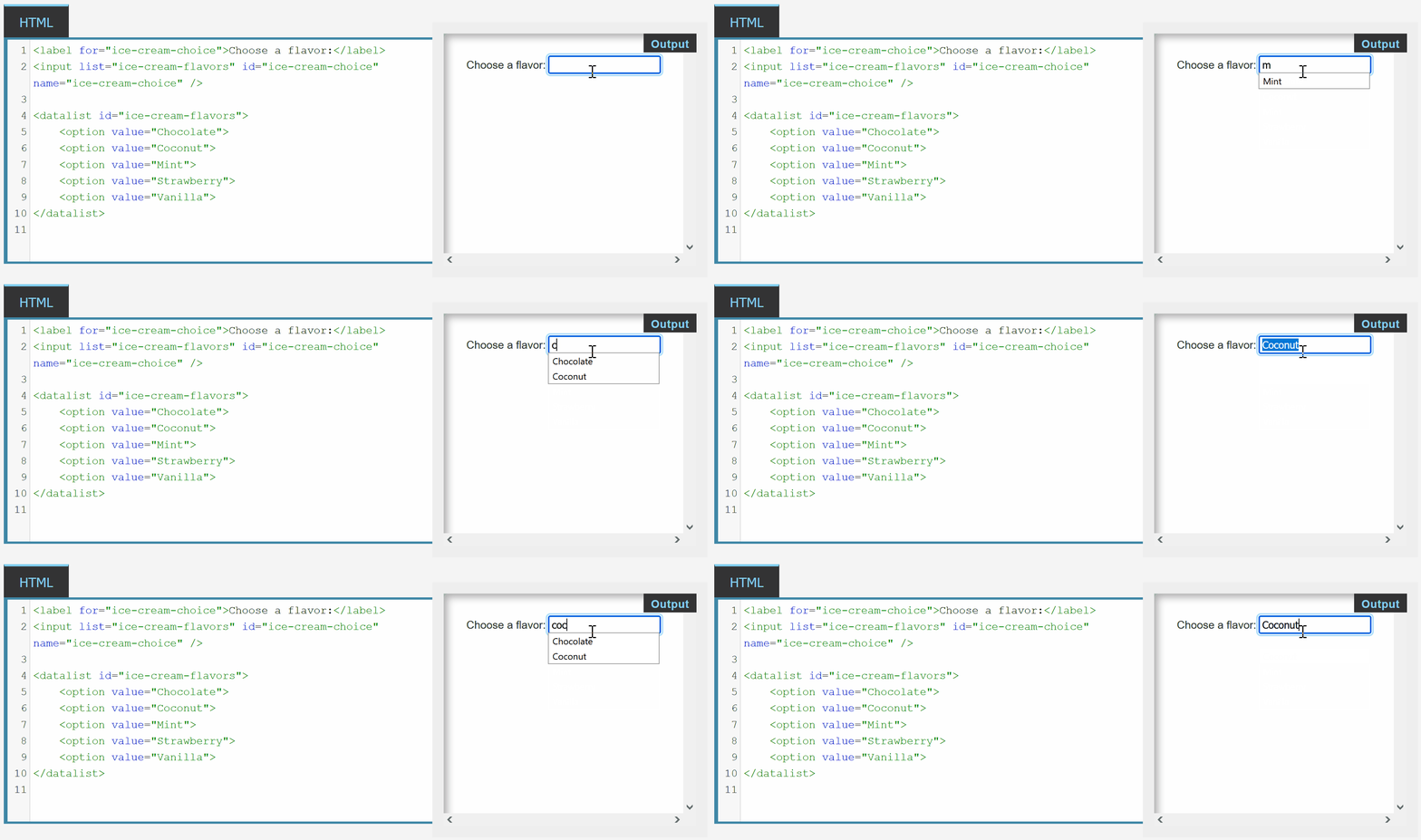
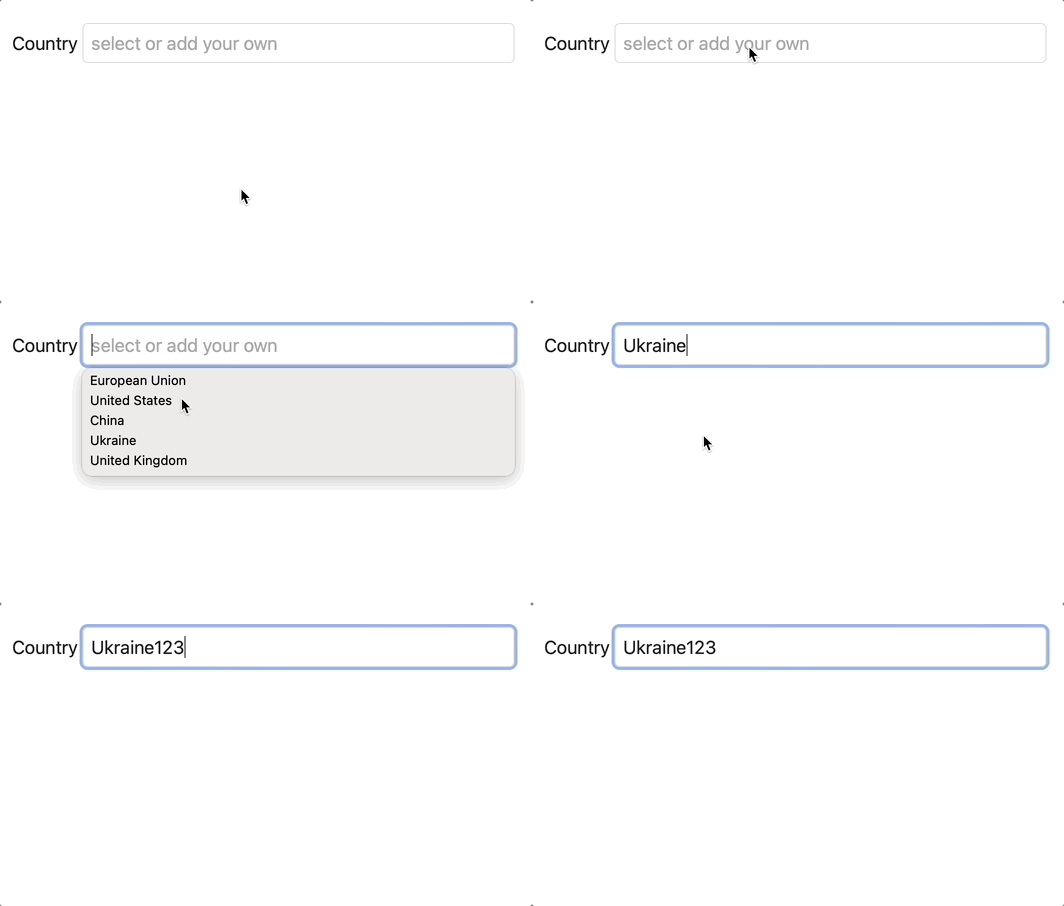
Example of using <datalist> in a rails form:
- add a collection for the datalist:
# app/models/post.rb
  DEFAULT_COUNTRIES = ["European Union", "United States", "China", "Ukraine", "United Kingdom"].freeze
- add a datalist collection with an ID (
'default-countries') - add
listattribute to a text field, pointing to the datalist collection with an ID ('default-countries')
# app/views/posts/_form.html.erb
<%= form.text_field :icon, list: 'default-countries', placeholder: "select or add your own" %>
  <datalist id="default-countries">
    <% Post::DEFAULT_COUNTRIES.each do |x| %>
      <option value="<%= x %>"></option>
    <% end %>
  </datalist>
- same as above, different syntax:
# app/views/posts/_form.html.erb
<%= form.text_field :icon, list: "default-countries", placeholder: "select or add your own" %>
  <datalist id="default-countries">
    <%= options_for_select(Post::DEFAULT_COUNTRIES) %>
  </datalist>
2. <details> #
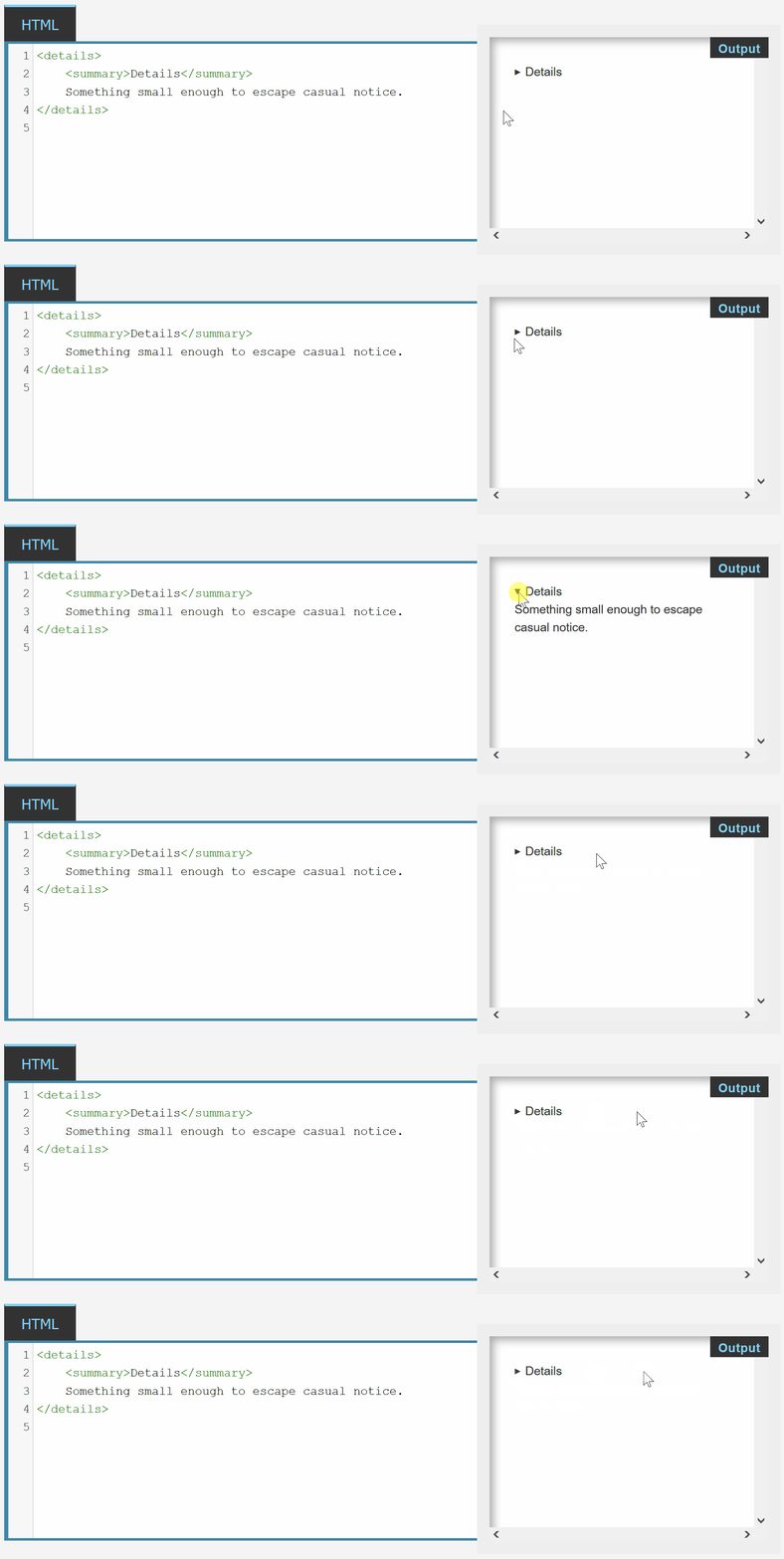
<details> - dropdowns without any extra CSS/JS!
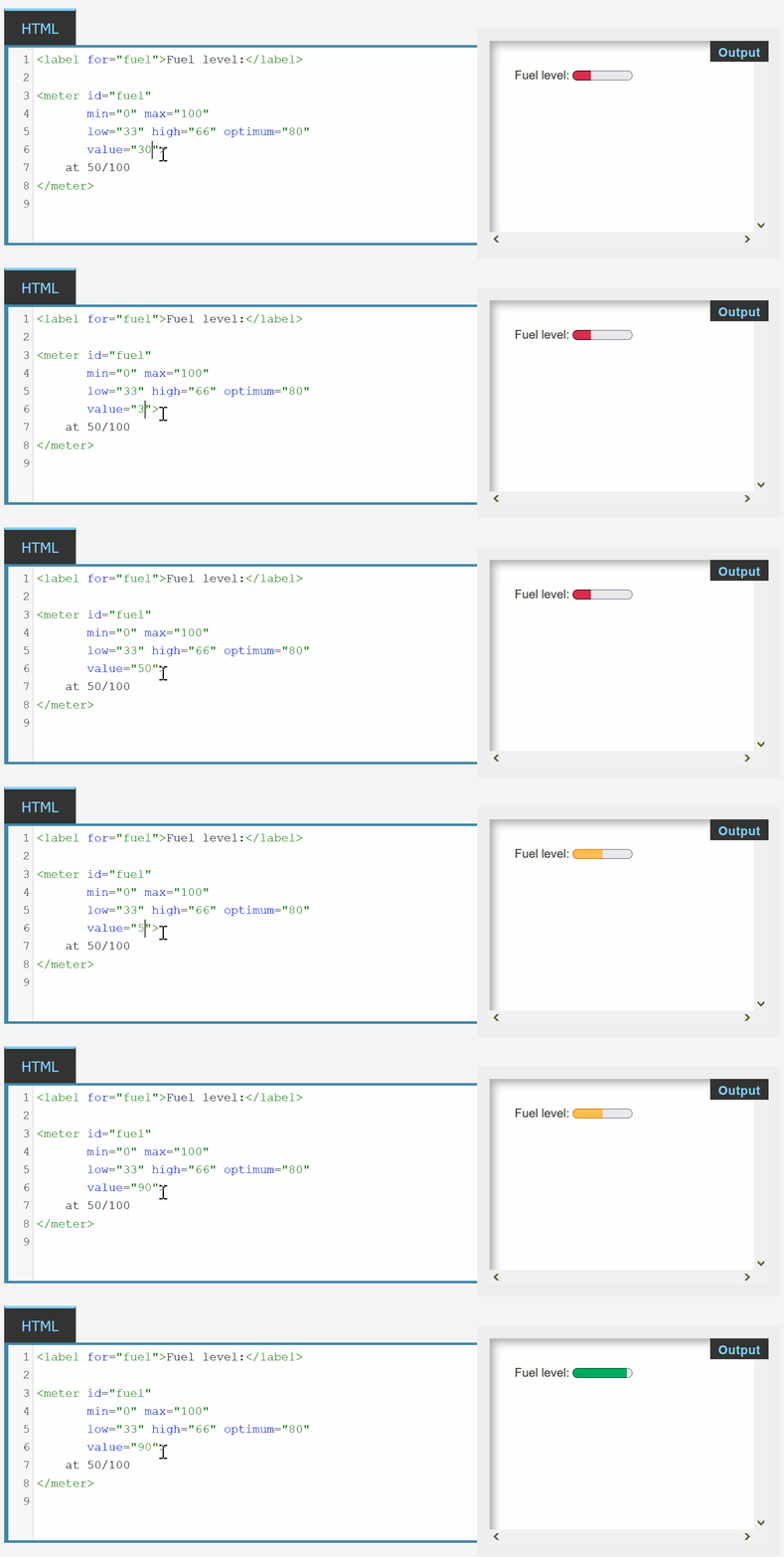
3. <meter> #
<meter> - progress bar that changes color based on fill
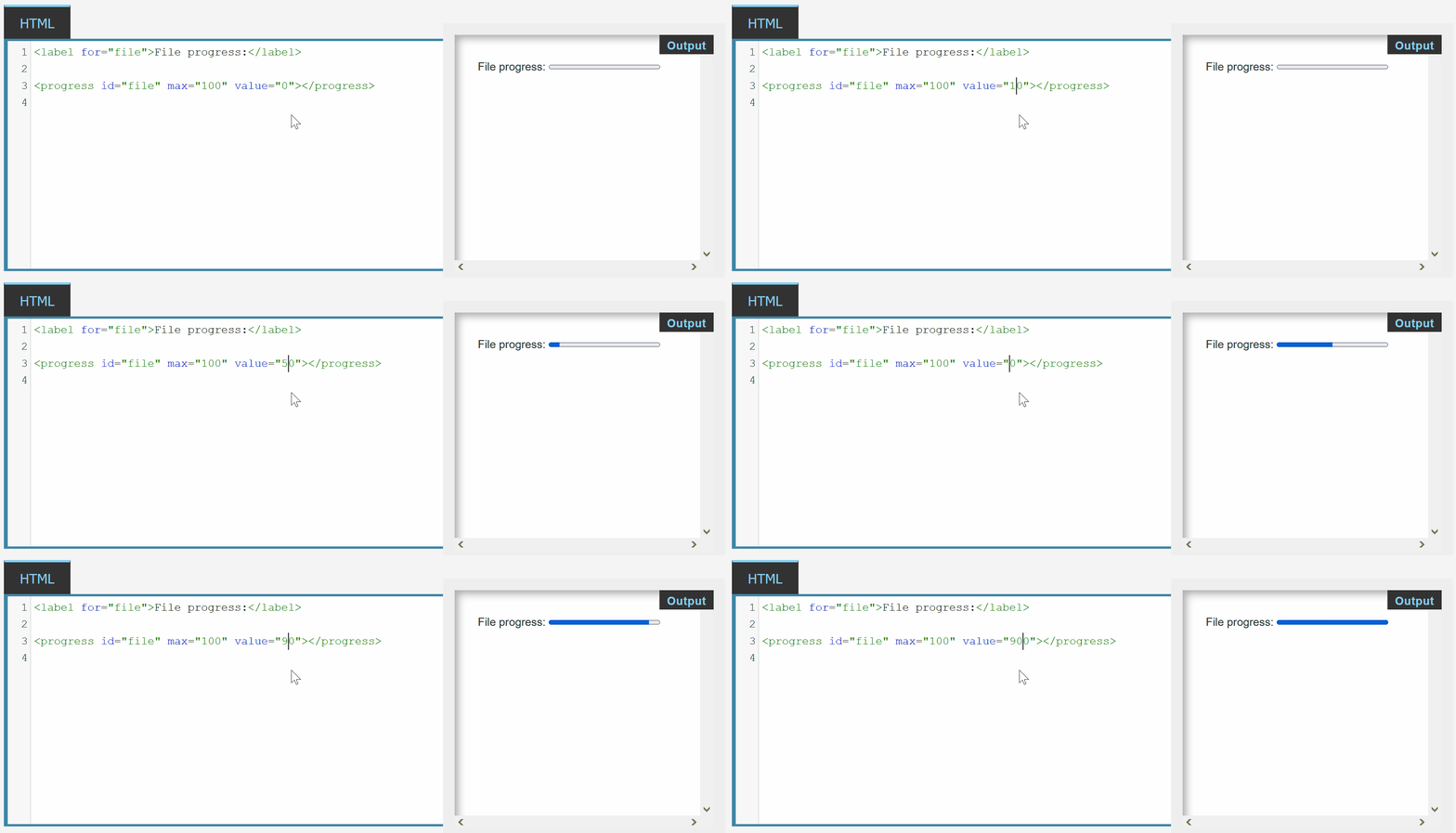
4. <progress> #
<progress> - progress bar with ZERO extra CSS
Did you like this article? Did it save you some time?