---
title: "Manage active sessions in Rails 2024"
author: "Yaroslav Shmarov"
date: "2024-03-24"
canonical_url: "https://blog.superails.com/secutiry-manage-active-sessions"
markdown_url: "https://blog.superails.com/secutiry-manage-active-sessions.md"
description: "In some cases to enhance security of your application you will want to allow users to see all the devices/browsers they are logged in with."
tags: ["security","pentest"]
license: "GNU AGPL v3. Credit Yaroslav Shmarov and link the canonical URL."
---
# Manage active sessions in Rails 2024
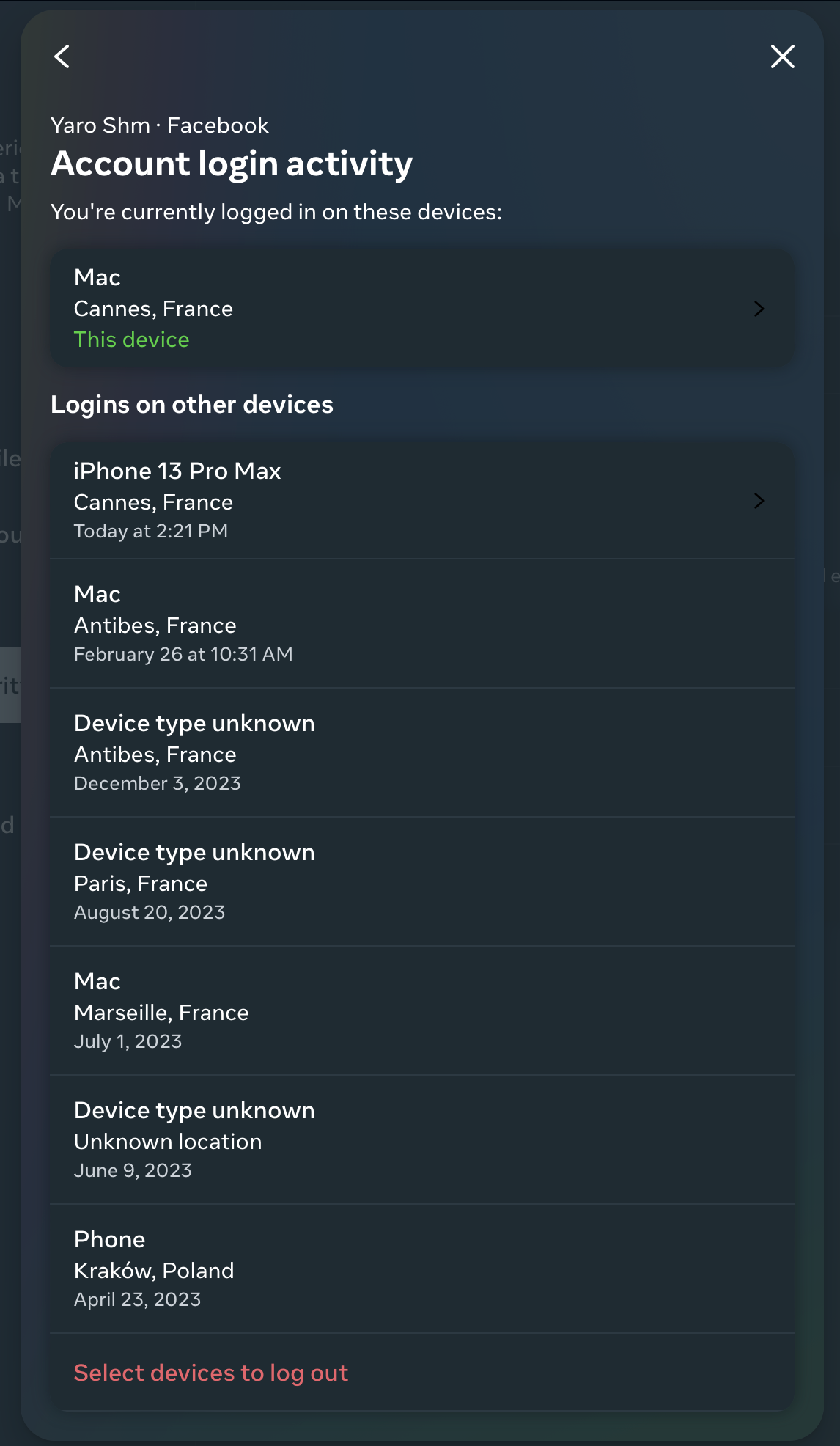
In some cases to enhance security of your application you will want to allow users to see all the devices/browsers they are logged in with. You would also provided a button to sign out of a device/browser.
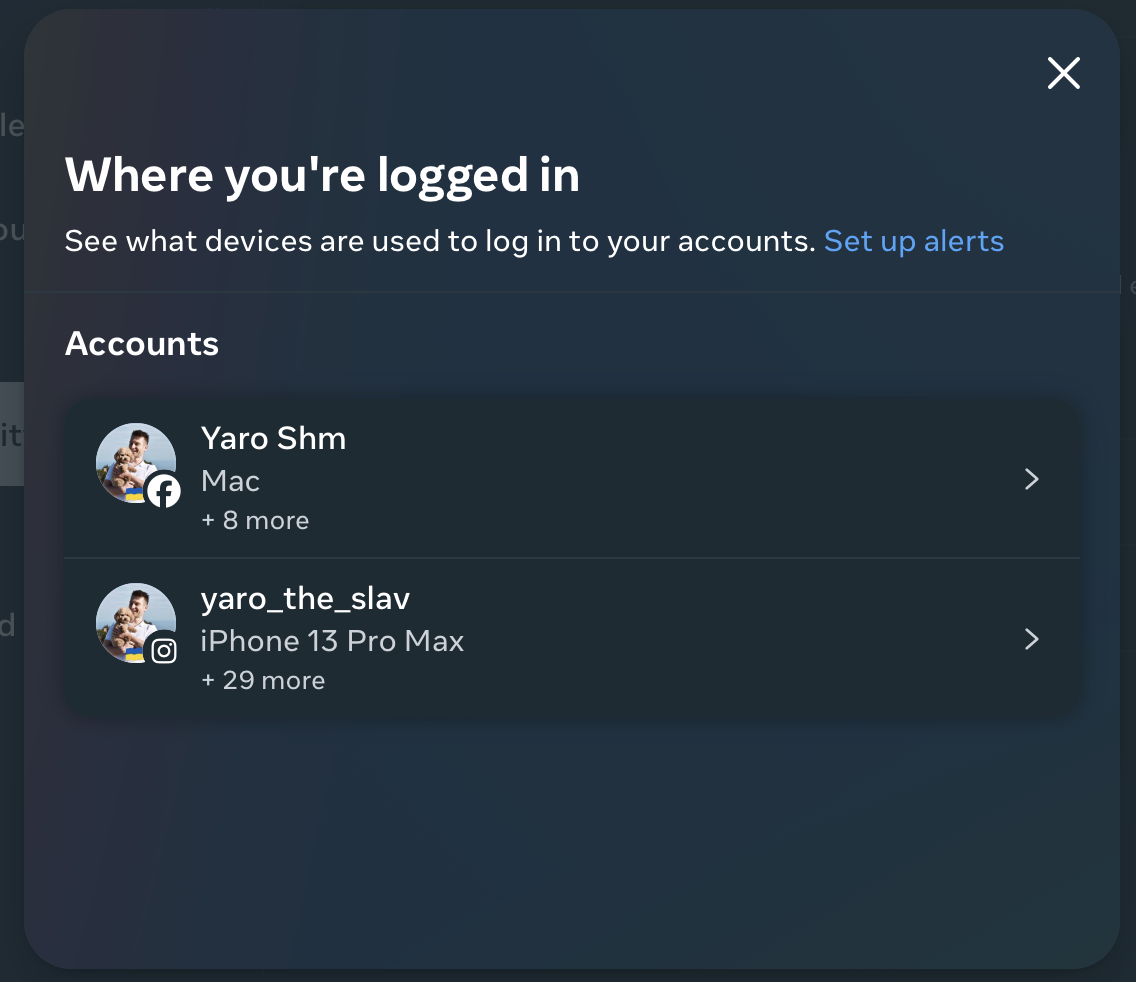
Here's how you can manage your login activity in Meta/Facebook:
Here's how it can look in a Rails app using devise:
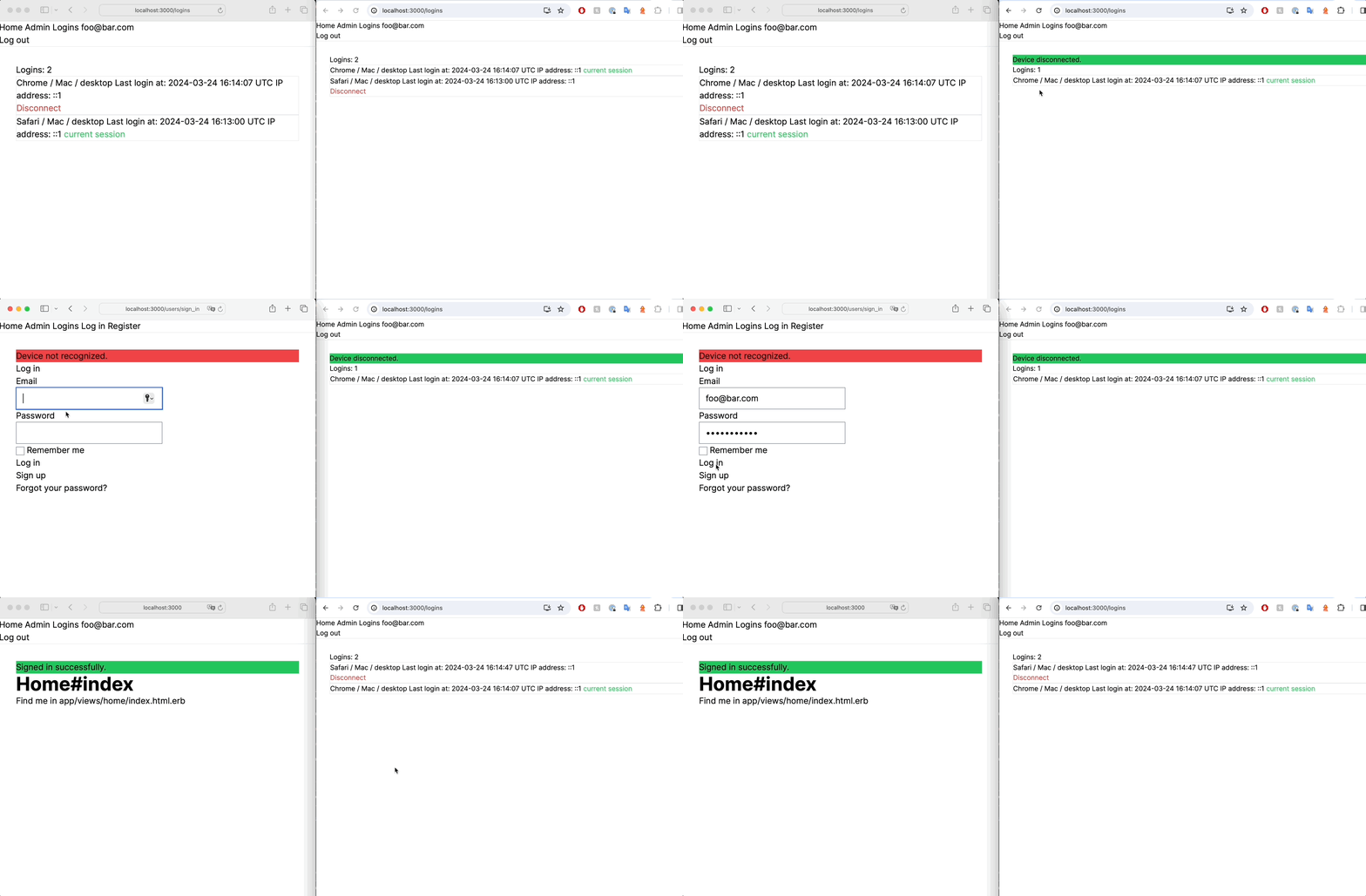
- Sign in creates a login
- Sign out deletes a login
- Deleting a login will log the user out of a device
### 1. Store current login (device/browser) info and ensure the current device/browser has not been logged out.
```ruby
rails g resource Login user:references device_id ip_address user_agent
```
```ruby
# app/models/user.rb
class User < ApplicationRecord
has_many :logins, dependent: :destroy
end
```
```ruby
# app/models/login.rb
class Login < ApplicationRecord
belongs_to :user
end
```
If you are using Devise, it can be a bit tricky to `create_login`, `destroy_login`, `require_login`. It's best to do it in the `sessions_controller`.
```ruby
# app/controllers/application_controller.rb
# ensure this device has not been logged out
before_action :require_login, if: :current_user
# this works with Devise
# after_sign_in_path_for is triggered after require_login :(
def after_sign_in_path_for(resource)
# create_login # you can move this to your sessions_controller#create
root_path
end
private
def create_login
device_id = Digest::SHA256.hexdigest("#{request.user_agent}#{request.remote_ip}")
current_login = current_user.logins.find_or_create_by(device_id: device_id, ip_address: request.remote_ip, user_agent: request.user_agent)
session[:device_id] = device_id
end
# trigger this in your users/sessions_controller#destroy
def destroy_login
current_user.logins.find_by(device_id: session[:device_id])&.destroy
session.delete(:device_id)
end
def require_login
# return if controller_path == 'devise/sessions' && action_name == 'create' # if you trigger create_login in after_sign_in_path_for(resource)
return if controller_path == 'users/sessions' && action_name == 'create' # if you trigger create_login in users/sessions_controller#destroy
if Rails.env.test?
# mock
current_login = current_user.logins.create(device_id: "test_device_id")
else
current_login = current_user.logins.find_by(device_id: session[:device_id])
end
if current_login.nil?
sign_out current_user
redirect_to new_user_session_path, alert: "Device not recognized."
end
end
```
```ruby
rails generate devise:controllers users -c=sessions
```
```ruby
# app/controllers/users/sessions_controller.rb
class Users::SessionsController < Devise::SessionsController
# skip_before_action :require_login, only: :create
def create
super do |resource|
create_login if resource.persisted?
end
end
def destroy
destroy_login
super
end
end
```
```ruby
# config/routes.rb
devise_for :users, controllers: {
sessions: 'users/sessions'
}
```
### 2. Views to see all logins of a user, log out of a select device/browser
```ruby
# config/routes.rb
namespace :users do
resources :logins, only: %i[index destroy]
end
```
```ruby
# app/controllers/users/logins_controller.rb
class Users::LoginsController < Accounts::BaseController
def index
@logins = current_user.logins
end
def destroy
@login = current_user.logins.find(params[:id])
@login.destroy
flash[:notice] = "You have been logged out of this device."
redirect_to edit_user_registration_path
end
end
```
```ruby
# app/views/logins/index.html.erb
Logins:
<%= @logins.size %>
<% @logins.order(updated_at: :desc).each do |login| %>
<%#= device_description(login.user_agent) %>
Last login at:
<%= login.updated_at %>
IP address:
<%= login.ip_address %>
<% if login.device_id == session[:device_id] %>
current session
<% else %>
<%= button_to 'Disconnect', login_path(login), method: :delete %>
<% end %>
<% end %>
```
ℹ️ [gem "device_detector"](https://github.com/podigee/device_detector) will help you decript `user_agent` info and make it user-friendly.
```ruby
module LoginsHelper
def device_description(user_agent)
device = DeviceDetector.new(user_agent)
[device.name, device.os_name, device.device_type].join(' / ')
end
end
```
That's it! 🤗
Inspired by:
- [vitobotta - Manage active sessions in Rails](https://vitobotta.com/2016/10/19/manage-active-sessions-)
- [adamcooke/authie](https://github.com/adamcooke/authie)
- [Facebook Login activity](https://accountscenter.facebook.com/password_and_security/login_activity)