---
title: "Generate barcodes on the frontend with JsBarcode"
author: "Yaroslav Shmarov"
date: "2023-10-18"
canonical_url: "https://blog.superails.com/jsbarcode"
markdown_url: "https://blog.superails.com/jsbarcode.md"
description: "Previously I wrote about generating barcodes on the server and storing them in ActiveStorage{:target=\"blank\"}. In many cases, you don't need to store a barcode."
tags: ["barcode","jsbarcode","stimulusjs"]
license: "GNU AGPL v3. Credit Yaroslav Shmarov and link the canonical URL."
video_url: "https://www.youtube.com/watch?v=urqESWSVzH0"
---
# Generate barcodes on the frontend with JsBarcode
Previously I wrote about [**generating barcodes on the server and storing them in ActiveStorage**](https://blog.superails.com/ruby-on-rails-generate-barcodes){:target="blank"}.
In many cases, you don't need to **store** a barcode. Instead, you can use Javascript to generate and display it within the browser.
To you as a developer, this saves storage and compute power.
[JsBarcode](https://github.com/lindell/JsBarcode) is a good library.
I used JsBarcode to generate 500+ barcodes on a single page on the fly:
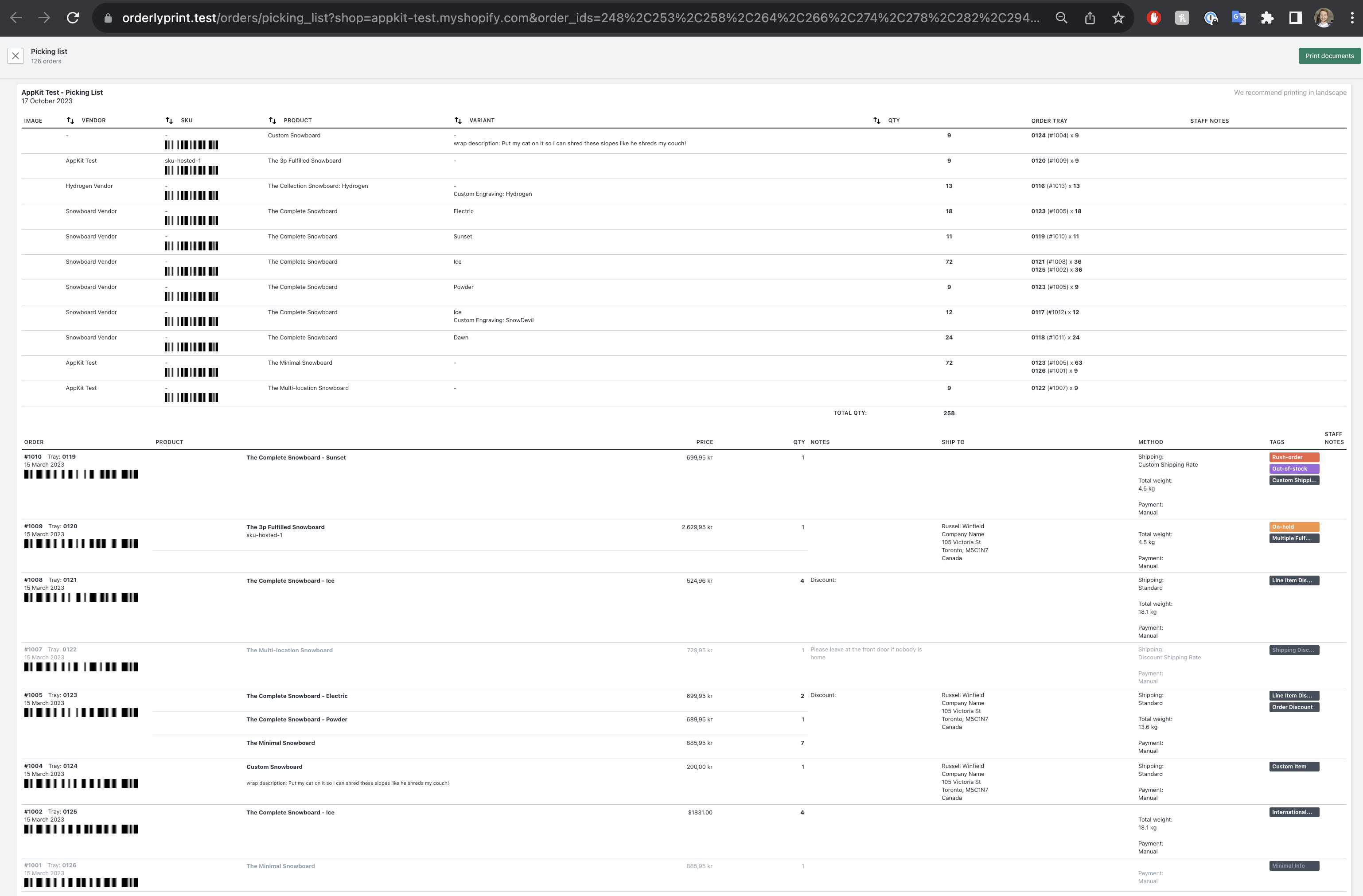
**BARCODE THEORY**: There are a few barcode encoding algorythms (`CODE128`, `MSI`, `EAN`, etc.). It is usually up to a business to chose which algorythm to use. The same string would look different, when encoded by different algorythms. When you are using a **barcode reader**, you might have to define which encoding should it try to read/decrypt.
### Install and use JsBarcode
```shell
# shell
bin/importmap pin jsbarcode
rails g stimulus barcode
```
```js
// app/assets/javascripts/controllers/barcode_controller.js
import { Controller } from '@hotwired/stimulus'
import JsBarcode from 'jsbarcode'
// html example:
// foo
//
export default class extends Controller {
connect() {
this.loadJsBarcodeLibrary();
}
loadJsBarcodeLibrary() {
// https://github.com/lindell/JsBarcode/wiki/Options
const options = {
format: "CODE128", // CODE39
// font: "monospace", // fantasy
// textAlign: "left",
// textPosition: "top",
width: 3,
height: 60,
quite: 1,
margin: 0,
lineColor: "#000000", // #0000FF
displayValue: false,
};
let barcodeVal = this.element.dataset.barcode;
// frontent validation
if (barcodeVal && barcodeVal !== "" && barcodeVal !== "-" && barcodeVal !== "undefined") {
// generate the barcode
JsBarcode(this.element, barcodeVal, options);
}
}
}
```
A barcode has to be generated in an `img` or `svg` html tag.
Minimal HTML setup example:
```html
```
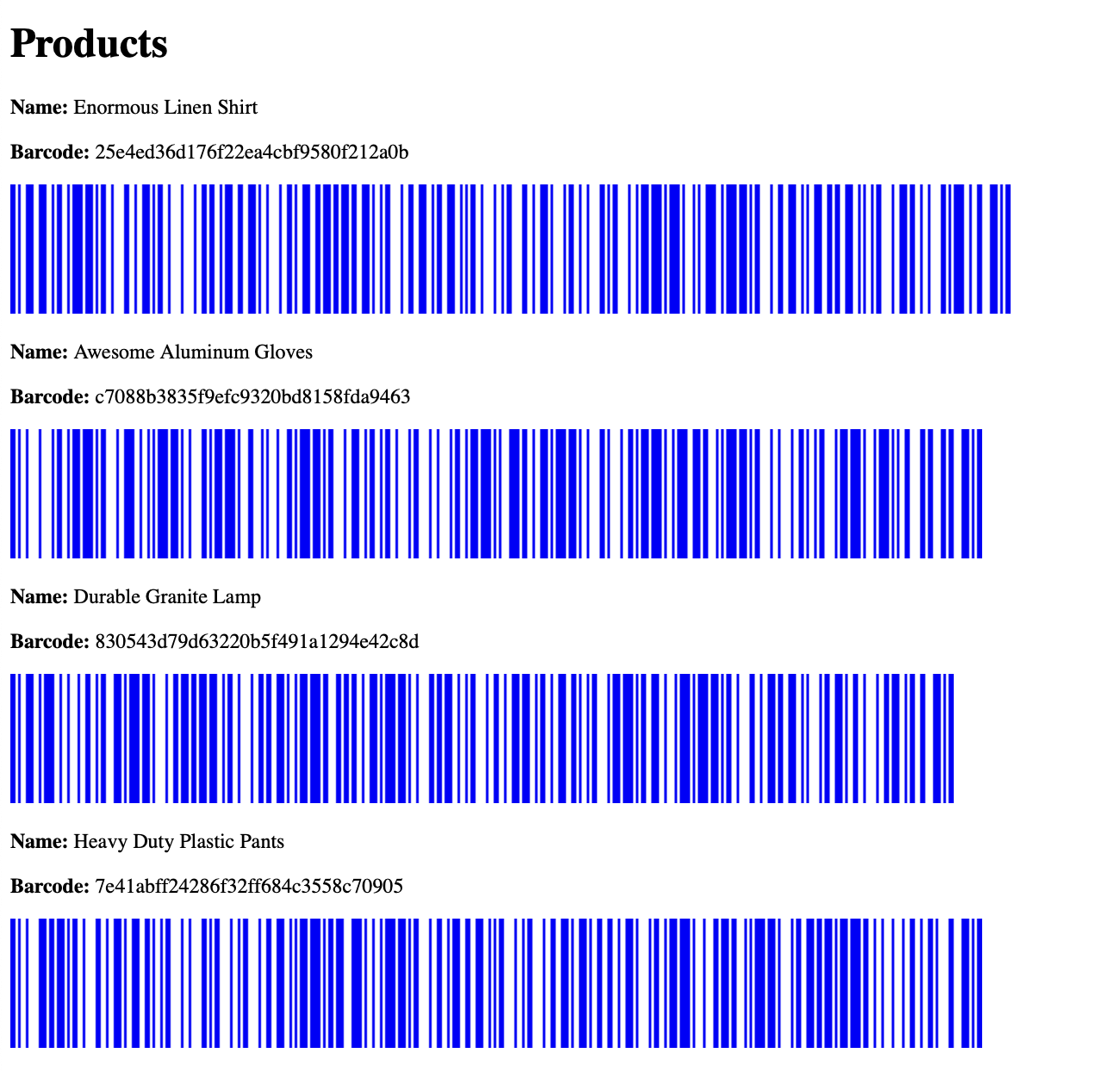
Example of rendering a list of products and their barcodes:
That's it! 🤠