---
title: "Hotwire Native Nav Button with icon"
author: "Yaroslav Shmarov"
date: "2024-10-12"
canonical_url: "https://blog.superails.com/hotwire-native-bridge-button"
markdown_url: "https://blog.superails.com/hotwire-native-bridge-button.md"
description: "The Hotwire Native Bridge Components docs demonstrate using a Button Component. The button is always presented as clickable text."
tags: ["hotwire-native"]
license: "GNU AGPL v3. Credit Yaroslav Shmarov and link the canonical URL."
---
# Hotwire Native Nav Button with icon
The [Hotwire Native Bridge Components docs](https://native.hotwired.dev/ios/bridge-components) demonstrate using a Button Component.
The button is always presented as clickable **text**.
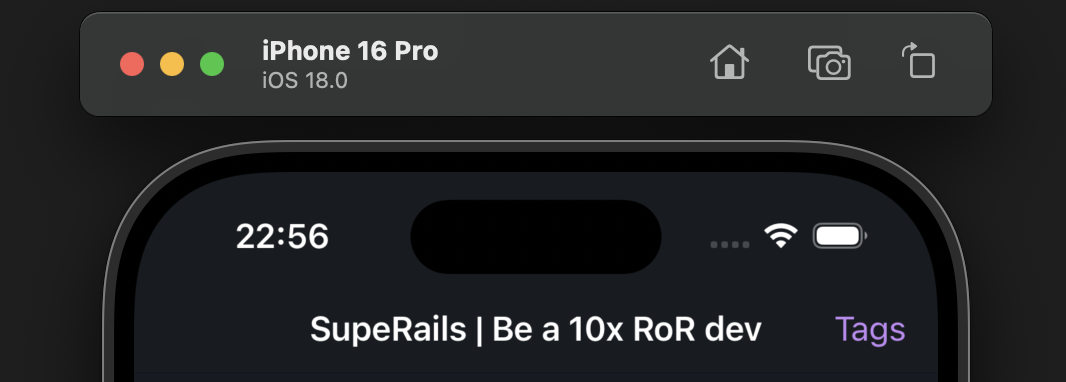
But to turn it into a clickable **icon**, we would have to do some modifications/extend our component.
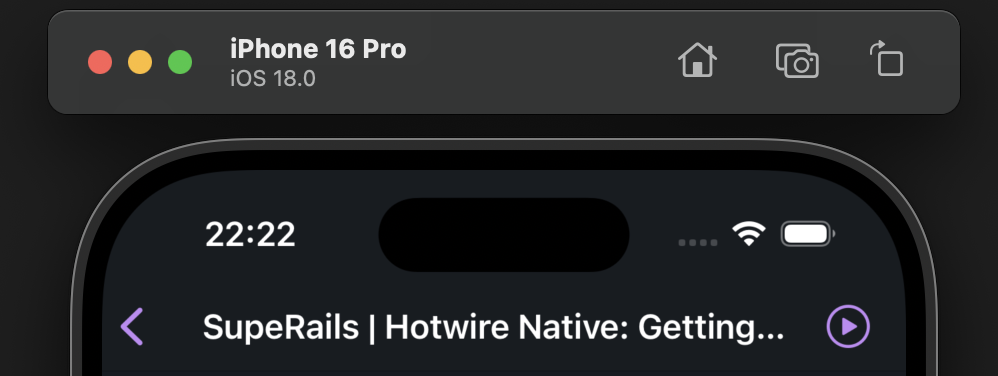
We will extend the button from the example to also:
- display icon instead of text
- place icon on right or left
```swift
// ios/ButtonComponent.swift
import HotwireNative
import UIKit
final class ButtonComponent: BridgeComponent {
override class var name: String { "button" }
override func onReceive(message: Message) {
guard let viewController else { return }
addButton(via: message, to: viewController)
}
private var viewController: UIViewController? {
delegate.destination as? UIViewController
}
private func addButton(via message: Message, to viewController: UIViewController) {
guard let data: MessageData = message.data() else { return }
let image: UIImage?
if let imageName = data.image {
image = UIImage(systemName: imageName)
} else {
image = nil
}
let action = UIAction { [unowned self] _ in
self.reply(to: "connect")
}
let item = UIBarButtonItem(title: data.title, image: image, primaryAction: action)
if data.side == "right" {
viewController.navigationItem.rightBarButtonItem = item
} else {
viewController.navigationItem.leftBarButtonItem = item
}
}
}
private extension ButtonComponent {
struct MessageData: Decodable {
let title: String
let image: String?
let side: String
}
}
```
```js
// app/javascript/controllers/bridge/button_controller.js
import { BridgeComponent } from "@hotwired/hotwire-native-bridge"
export default class extends BridgeComponent {
static component = "button"
connect() {
super.connect()
const element = this.bridgeElement
const title = element.bridgeAttribute("title")
const image = element.bridgeAttribute("ios-image")
const side = element.bridgeAttribute("side") || "right"
this.send("connect", {title, image, side}, () => {
this.element.click()
})
}
}
```
With this approach, if you want to use text over image, **leave the image blank**.
You still have to keep the image attribute for the button to render!
**Text** button:
```html
Posts
```
**Icon** button:
```html
Posts
```
**Icon** button on the **left** (**right** by default):
```html
Posts
```
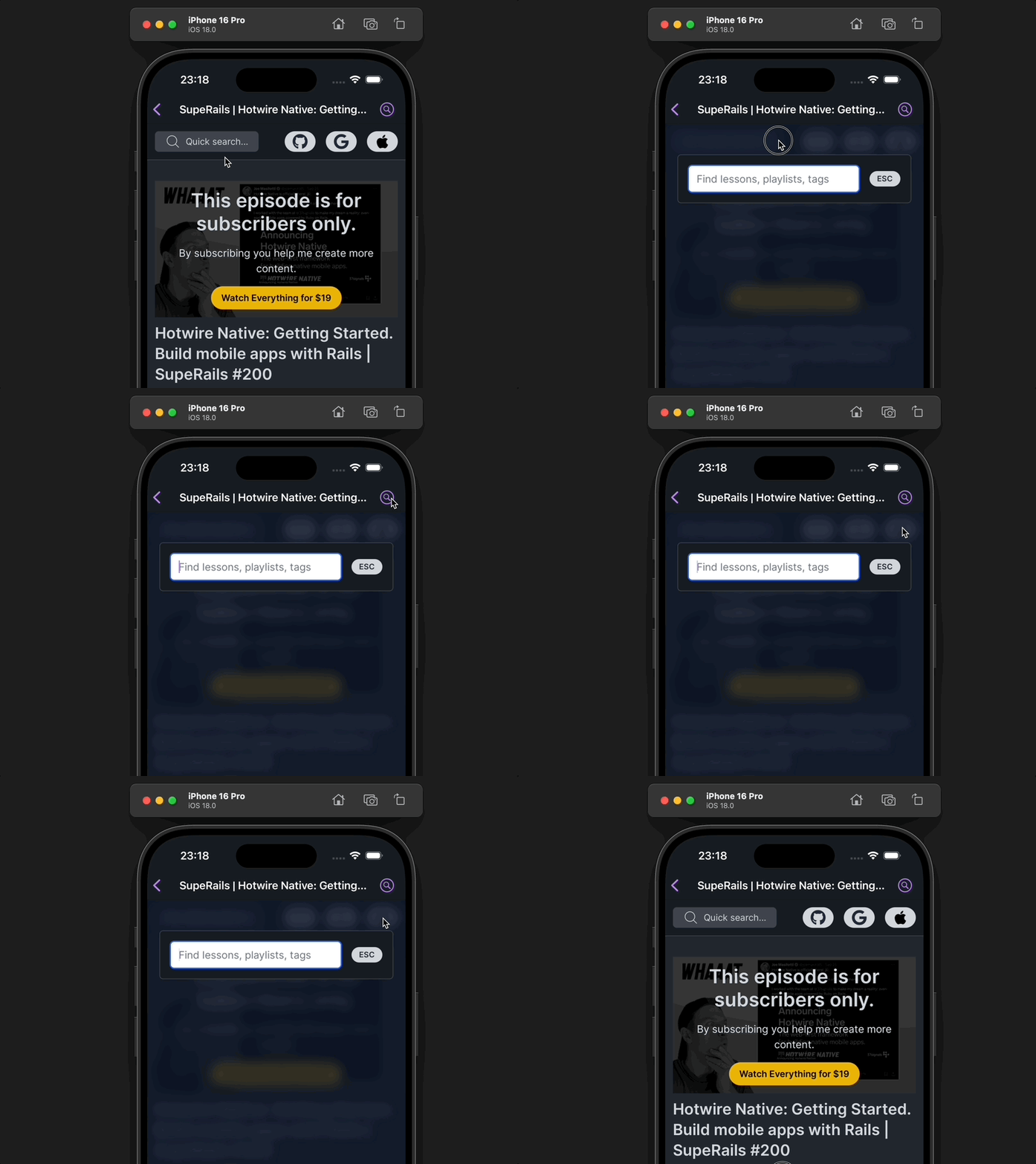
The Native button will click whatever element you apply the `bridge--button` on. It does not have to be a ``!
```html
Search
```
Hotwire native button clicking a div that triggers JS, not a link:
[Subscribe to SupeRails.com](https://superails.com/pricing) for more Hotwire Native content!
That's it for now!