---
title: "Live Visit Count for website or page. ActionCable, Turbo Broadcasts, Kredis"
author: "Yaroslav Shmarov"
date: "2023-02-02"
canonical_url: "https://blog.superails.com/action-cable-broadcast-visitors-online"
markdown_url: "https://blog.superails.com/action-cable-broadcast-visitors-online.md"
description: "It's amazing that now you can add advanced javascript/websockets features like \"Live visitor count\" without writing a single extra line of javascript!"
tags: ["ruby","rails","kredis","action-cable","hotwire","turbo","broadcasts"]
license: "GNU AGPL v3. Credit Yaroslav Shmarov and link the canonical URL."
video_url: "https://www.youtube.com/watch?v=rK7kyXgV8o8"
---
# Live Visit Count for website or page. ActionCable, Turbo Broadcasts, Kredis
It's amazing that now you can add advanced javascript/websockets features like "Live visitor count" without writing a single extra line of javascript!
A "live visitor count" feature can give users a "you are not alone" feeling. For example, when browsing a Reddit post:

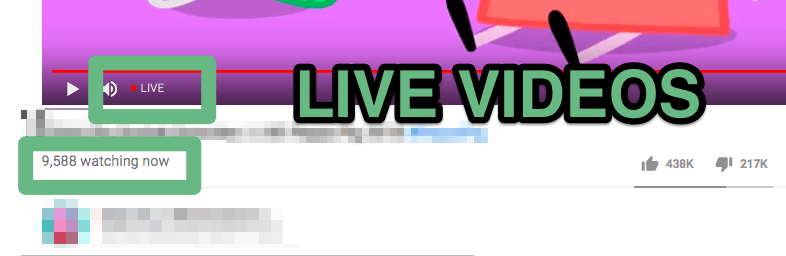
Or when watching a live stream on youtube:
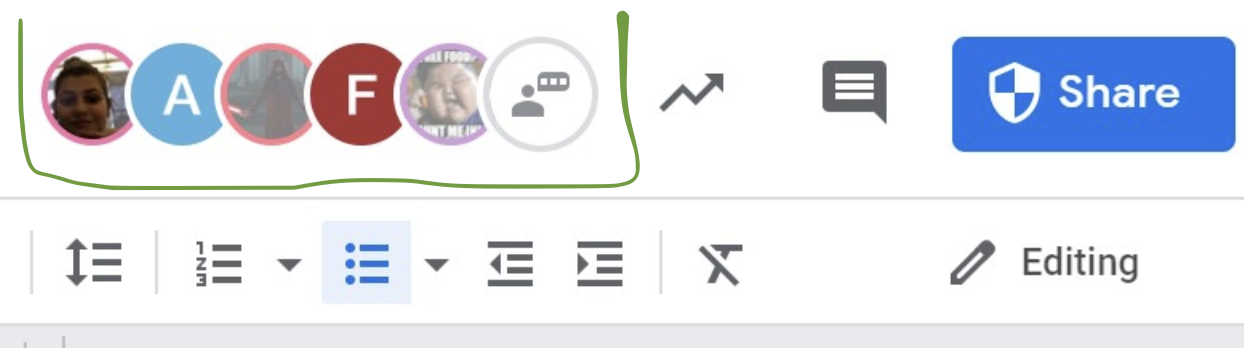
Another example - see other people that have the same google doc open:
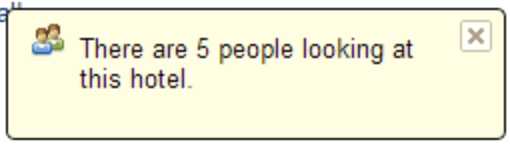
"live visitor count" can also boost urgency (booking website example):
By the end of this article you will have created:
- live counter of all visitors on the app
- live conter of all visitors on a specific page or "inside a Room" (like google doc or youtube live video)
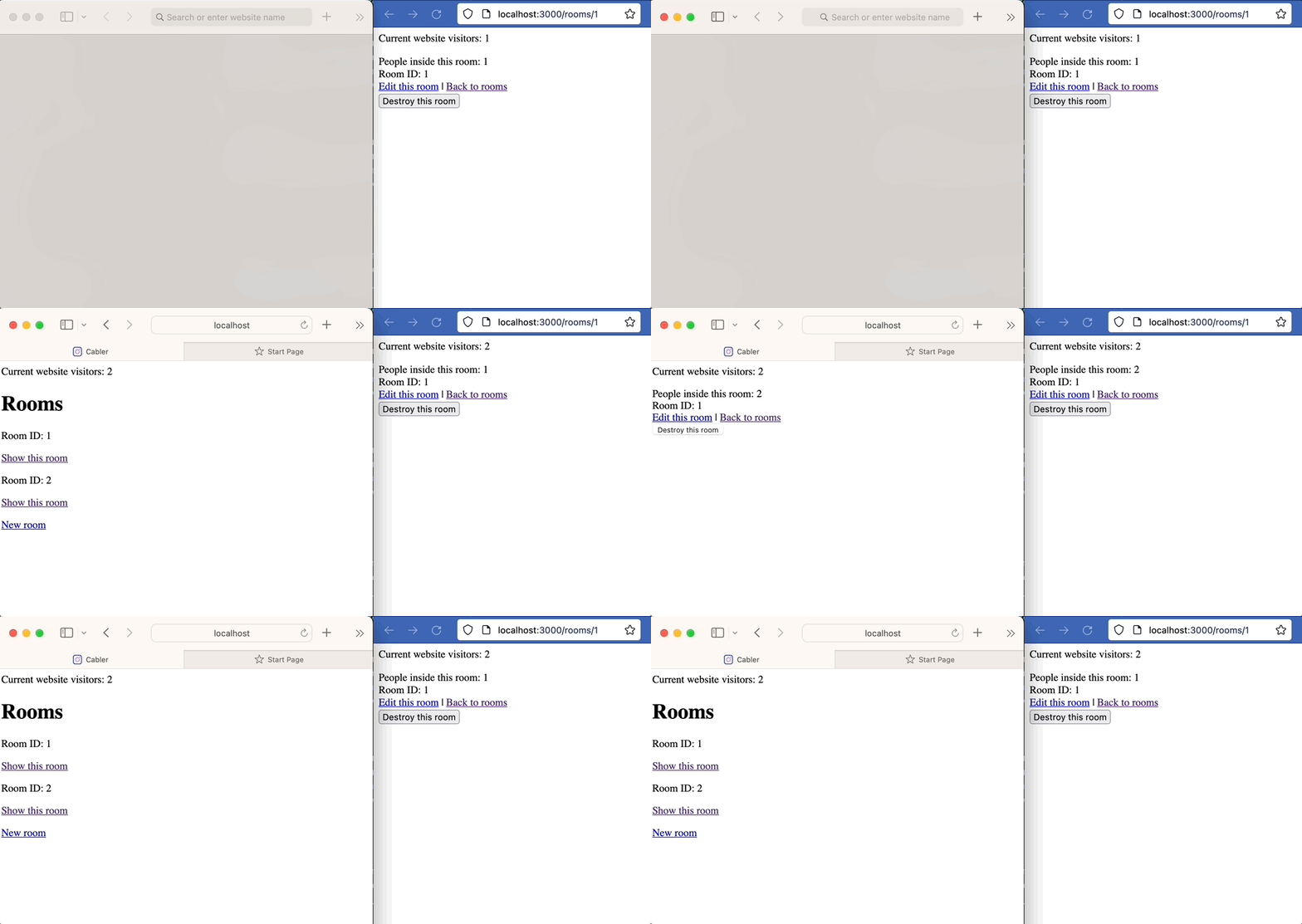
Explanation of the above GIF:
- I have 2 browsers open. Each browser = different session.
- When I open the website in the second browser, the visitor count goes from `1` to `2`.
- If the user closes the browser tab, visitor count will decrease by `1`.
- When I open a specific `Room` page, the visitor count goes from `1` to `2` for this particular Room.
- If a user leaves the Room (closes tab or redirects), visitor count will decrease by `1`.
Technologies we will need to implement the "live visitor count":
- [ActionCable](https://guides.rubyonrails.org/action_cable_overview.html) - the core technology, that lets us to establish a websockets connection, and see if a user *connected* or *disconnected*.
- [turbo/streams_channel.rb](https://github.com/hotwired/turbo-rails/blob/main/app/channels/turbo/streams_channel.rb) - a way to link a turbo stream with an ActionCable channel.
- [gem Kredis](https://github.com/rails/kredis#installation) - a Redis adapter for Rails, where we will store the visitor ids (`session_id`).
### 1. Count all current visitors on your website
In this example we will not implement user authentication. We will identify separate users by **sessions**. One browser = one session.
To make `session_id` available within an ActionCable Channel, you have to add it inside Connection. The Connection has access to request and cookie data.
```ruby
# app/channels/application_cable/connection.rb
module ApplicationCable
class Connection < ActionCable::Connection::Base
identified_by :session_user
def connect
self.session_user = request.session.id
end
end
end
```
Next, add a `turbo_stream_from` broadcast to your application layout.
Importantly, append the `channel: VisitorChannel` to connect to an ActionCable channel.
Add a placeholder div `visitors-counter` where we will update the number of current visitors.
```ruby
# app/views/layouts/application.html.erb
<%= turbo_stream_from :visitors, channel: VisitorChannel %>
Current website visitors:
```
Create an action cable channel. Don't use the generator, because you will not need the other extra files and code that `rails g channel visitor` would give you. It has to inherit from `Turbo::StreamsChannel`. Add `super`. That way you will have `streams_form` automatically imported. You will have access to `verified_stream_name_from_params` that is `:visitors` for our current case.
In this case `verified_stream_name_from_params` = `:visitors`.
Create a redis unique list and **add** the session_user on `subscribed`, remove the user on `unsubscribed`.
Send a turbo stream broadcast to update this count in everyones views with `Turbo::StreamsChannel.broadcast_update_to`.
```ruby
# app/channels/visitor_channel.rb
# class VisitorChannel < ApplicationCable::Channel
class VisitorChannel < Turbo::StreamsChannel
def subscribed
super
visitors_online = Kredis.unique_list "visitors_online"
visitors_online << session_user
update_visitors_count(visitors_online)
end
def unsubscribed
visitors_online = Kredis.unique_list "visitors_online"
visitors_online.remove session_user
update_visitors_count(visitors_online)
end
private
def update_visitors_count(visitors_online)
Turbo::StreamsChannel.broadcast_update_to(
verified_stream_name_from_params,
target: 'visitors-counter',
html: visitors_online.elements.count
)
end
end
```
Success! Now every visitor of your application will see the visitor count!
Try opening/closing pages in your app from 2 different browsers and see the `visitor_count` change.
### 2. Count current visitors on a specific page
Maybe a more useful feature would be to see the quantity of users on a specific page. For example, we have a scaffold of `Room` and each room has a `#show` page.
In this case we will pass an additional `room_id` param to the `turbo_stream_from`.
Make the `target` also unique based on the `room_id`:
```ruby
# app/views/rooms/show.html.erb
<%= turbo_stream_from @room, channel: RoomChannel, params: { room_id: @room.id } %>
<%#= turbo_stream_from @room, channel: RoomChannel, data: { room_id: @room.id } %>
People inside this room:
```
Now we can access `params[:room_id]` from our `room_channel.rb`:
```ruby
# app/channels/room_channel.rb
class RoomChannel < Turbo::StreamsChannel
def subscribed
super
room_visitors = Kredis.unique_list "room_visitors"
room_visitors << session_user
target = "room-#{params[:room_id]}-counter"
update_visitors_count(room_visitors, target)
end
def unsubscribed
room_visitors = Kredis.unique_list "room_visitors"
room_visitors.remove session_user
target = "room-#{params[:room_id]}-counter"
update_visitors_count(room_visitors, target)
end
private
def update_visitors_count(room_visitors, target)
Turbo::StreamsChannel.broadcast_update_to(
verified_stream_name_from_params,
target:,
html: room_visitors.elements.count
)
end
end
```
Success! Now when you open a specific room page, it will register a new connection. See the "People inside this room" counter get updated:

That's it. See you in the next one!